
Considering upgrading your slow PC? Wondering how much RAM is enough? Here’s what you need to know.
key takeaways
- RAM allows computers run fast and optimally.
- 16GB is now the standard for PCs and laptops.
- Heavy users may need more RAM. Know when to upgrade.
I used to struggle when shopping for a new computer — there’s a lot to keep in mind. Over time, I learned to narrow it down to what I call the “performance trifecta” — three main components you should be mindful of: processor, storage drive, and RAM. A good processor is the brain of the computer, and a lot of local storage means you’ll have plenty of room for all your files.
But what about memory? It’s a component many people fully understand (I was certainly a part of this group). RAM, or random access memory, is essentially a computer’s short-term memory. Instead of saving data directly onto an SSD, the computer stores files temporarily in the RAM for quick access, resulting in faster performance. The higher the RAM (measured in Gigabytes, or GB) the more memory it has.
There’s a lot of information and differing opinions regarding RAM and how much you need on your computer. Should you opt for the laptop with the 32GB LPDDR5X RAM, or will 16GB be enough? I’m here to cut through all the fog and provide easy-to-understand advice on the amount of memory you should get.
How much RAM do you need in 2025?
The short answer: it depends on the operating system. For Windows machines, 16GB of RAM has become the operational minimum on new consumer laptops. Modern workloads have ramped up to such a degree that less RAM on a Windows device is fine, but it will limit you to everyday tasks like writing emails, internet browsing or watching YouTube videos.
But let’s be real here: the average worker is probably running dozens of tabs in their browser, a handful of apps in the background, and (possibly) generative AI, all of which demand memory power. In that sense, most people using their Windows laptops for work will want at least 16GB (for a value-driven, future-proof option) for a smooth user experience.
If you’re upgrading to Windows 11, Microsoft says the minimum requirements are 4GB of RAM, but I’d still recommend 16GB as the baseline standard. If you have more than that, even better, but for most PCs, Windows 11 should run about the same as older operating systems.
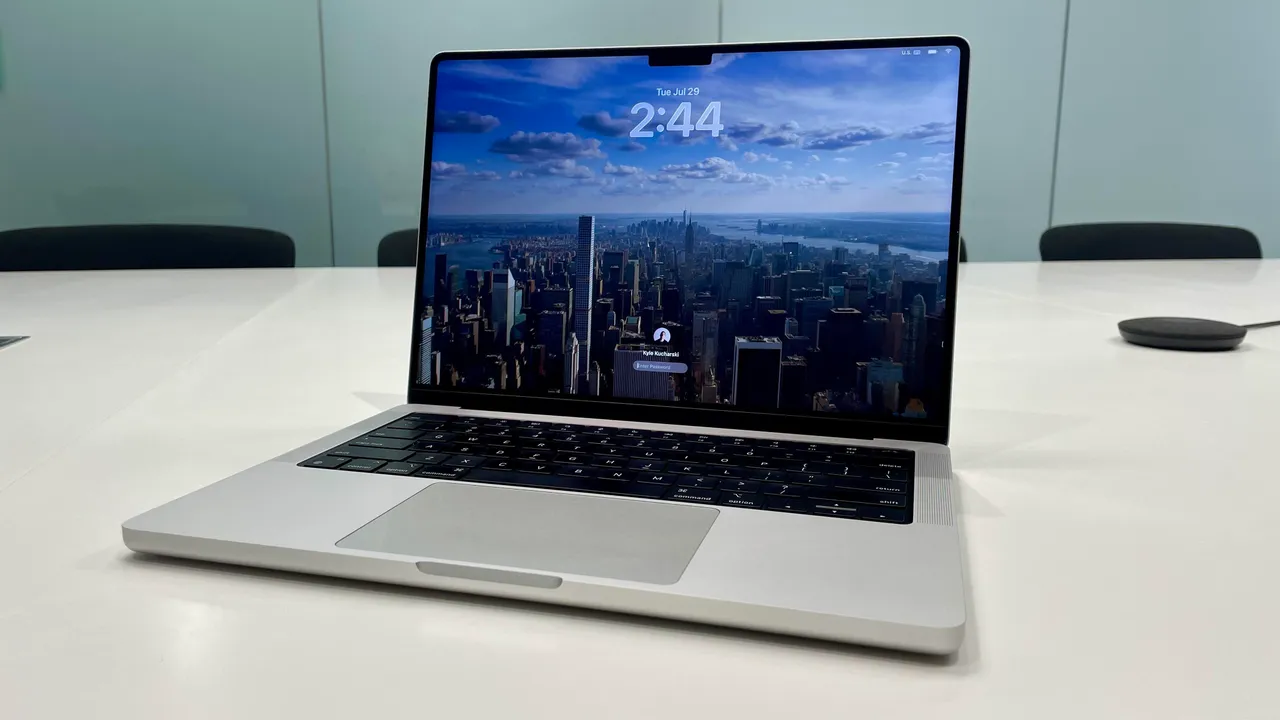
When it comes to MacBooks, things are a little bit different. Because Apple’s machines are so optimized to handle daily workflows, 8GB of RAM goes a bit further than a stock laptop running Windows. In fact, it wasn’t until only recently that Apple made 16GB the starting point with the new MacBook Air M4.
MacBooks with 8GB are still solid machines for daily use, while more powerful models like the MacBook Pro and MacBook Pro Max offer substantial power with 24GB, 36GB, or more, making them some of the most powerful laptops on the market (and some of the priciest).
Besides just Windows and Macs, Chromebooks are a third category of consumer laptops that have seen a spike in popularity over the last few years due to their average lower price and lightweight operating system: ChromeOS.
Because ChromeOS is so streamlined, Chomebooks can get along just fine with 8GB or even less, making them great machines for handling the basics like working out of the browser and having your Google Suite at your fingertips with snappy performance and a low price. The trade-off, however, is that you’ll have less access to apps you’d otherwise find on Windows.
All in all, it’s true to say that the more memory you have, the better your computer should perform. But having too much RAM can also be a poor return on investment because you end up spending money on a resource that you hardly ever use to its fullest extent. It’s like owning a big house but only using a few of the rooms.
When buying a new laptop, I just recommend having a clear understanding of what you want to use it for — that way you can make a realistic expectation about how much RAM you need.