
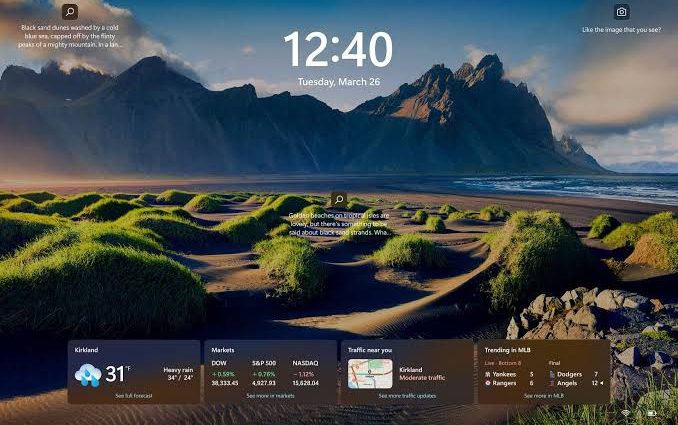
Windows 11’s Dynamic Lock can use your Bluetooth-paired phone to automatically lock your PC when you walk away.
Walking away from your PC without locking it is one of those little habits that usually doesn’t matter, until it does. It all depends on where you and your PC or laptop are. And if you want to kick that habit, Windows 11 has a built-in feature that can handle it for you automatically by using your phone as a proximity indicator.
The feature is called Dynamic Lock, and it works through Bluetooth. Once your phone is paired with your PC, Windows watches the Bluetooth signal strength. When that signal drops far enough and the PC is idle, Windows assumes you’ve walked away and locks the device automatically.
Here’s how to set it up:
- Open Settings.
- Go to Bluetooth & devices > Devices.
- Make sure Bluetooth is enabled on both your PC and your phone.
- Click Add device, select Bluetooth, and pair your phone with the PC.
- Once the phone is paired, go to Settings > Accounts > Sign-in options.
- Scroll down and expand Dynamic lock.
- Enable Allow Windows to automatically lock your device when you’re away.
That’s pretty much it. Also, it’s worth mentioning that Dynamic Lock locks your PC while you’re away, but it doesn’t shut it down or put it to sleep. It also doesn’t unlock your PC automatically when you come back, so you’ll have to do that yourself.
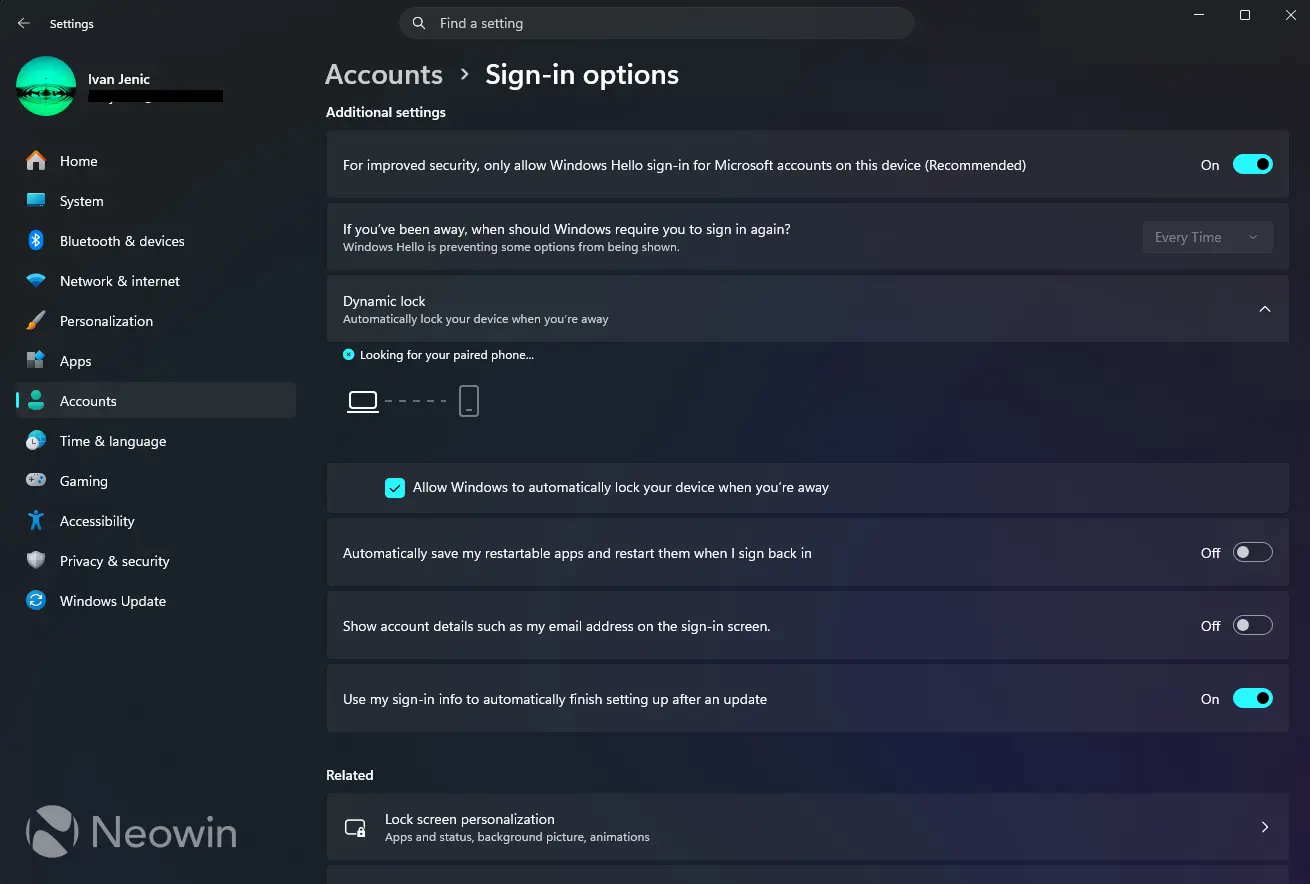
This is a pretty neat automation feature, but it does have its limitations. First, Windows waits until the Bluetooth signal drops below its threshold and the system is idle before locking, so there can be a delay. Also, since Bluetooth range varies depending on the PC, phone, room, walls, and interference, there isn’t one exact distance where Dynamic Lock always kicks in. In practice, it’s best to test it once after setting it up so you know roughly how far you need to walk before Windows locks.
And if your phone isn’t already connected to your PC, you might find it inconvenient, especially if you don’t keep Bluetooth on all the time on either device.
But if these inconveniences aren’t a problem for you, Dynamic Lock can be pretty useful. If you already carry your phone everywhere anyway, Windows can use it as a simple backup for those times when you walk away and forget to lock the PC yourself.