
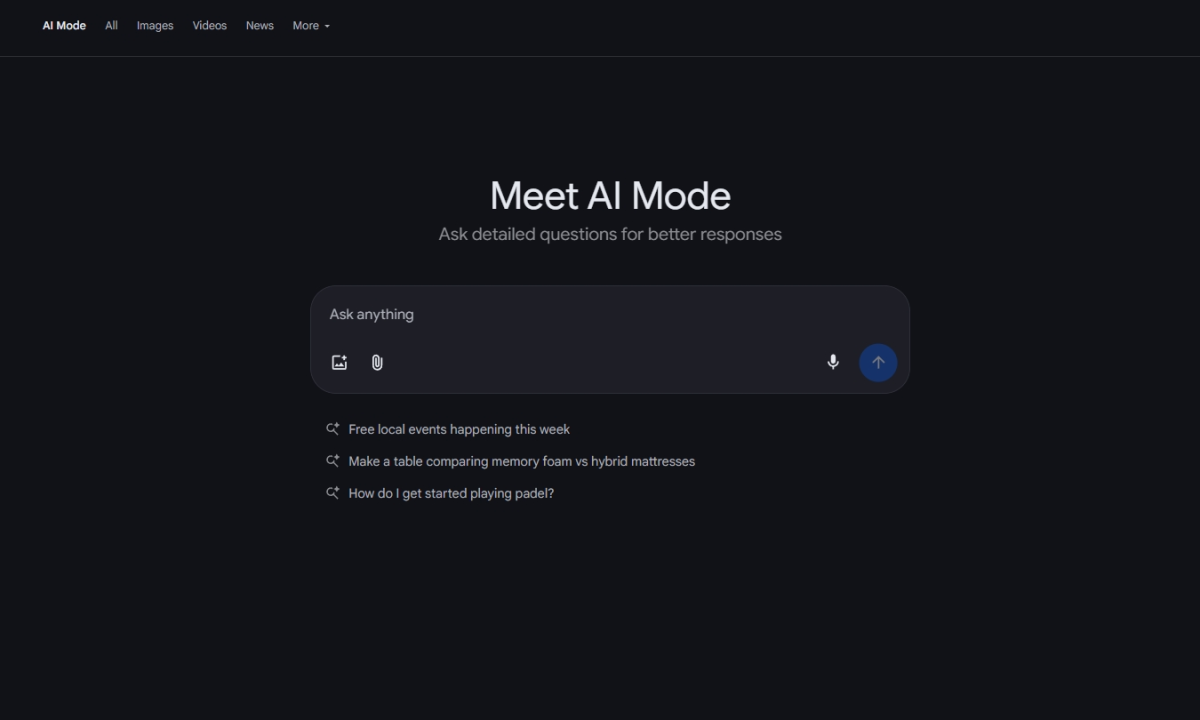
More languages, more countries. Here’s how to check availability and turn it on today
What’s happened? Google is lighting up AI Mode in Search for a lot more people, starting today. The rollout adds support for more than 35 new languages and 40-plus new countries and territories, pushing availability past 200 countries worldwide. It is powered by the latest Gemini models, which handle natural language and visuals.
- Wider rollout begins this week.
- Google says its custom Gemini model for Search brings stronger reasoning and multimodal understanding, which helps it grasp local phrasing and context instead of just matching keywords.
- Early usage signals a behavior shift, with users asking questions nearly three times longer than traditional searches, and Google expects that trend to grow as more regions come online.
This is important because: AI Mode is changing how people search, not just where it is available. Longer, conversational queries mean you can describe the problem in your own words and still get a useful answer. With Gemini handling language and visuals, Search becomes like an assistant.
- It lowers the barrier for non-English speakers.
- Multimodal understanding means you can combine different input like text and images. It can help with real-world tasks, like asking “what plant is this” to troubleshooting a gadget with a photo.
- Longer queries or questions tend to make AI understand intent with context, so answers can be more direct, saving you from switching tabs and tutorials.
Why should I care? Instead of wasting time chopping questions into keywords, you can just talk in your language and get a clear answer that blends text, images, and context. It’s faster with less guesswork.
- You’ll spend less time bouncing switching tabs, since AI Mode can summarize options, pull steps, and point you to the right direction.
- It’s great for messy problems, trip planning, or home fixes, where you can add photos and follow-up questions to refine the result.
Okay, so what’s next? The rollout is staggered, so expect a quiet switch-on over the next week. You may see AI Mode appear in the Google app and mobile web, or desktop, depending on your region.
- To use AI mode on your phone, update to the latest version of the Google app and click on the breathing, colorful magnifying glass icon.
- On desktop, click the colorful AI mode button within the Google search bar, and ask away.
AI mode is only as good as your curiosity, so treat it like a guide. You can ask follow-up questions or add a photo to see how far a better question can take you.